Arrow Functions in JavaScript (Beginner-Friendly Guide)
Software developer writing to think clearly about code, systems, and real-world tradeoffs.
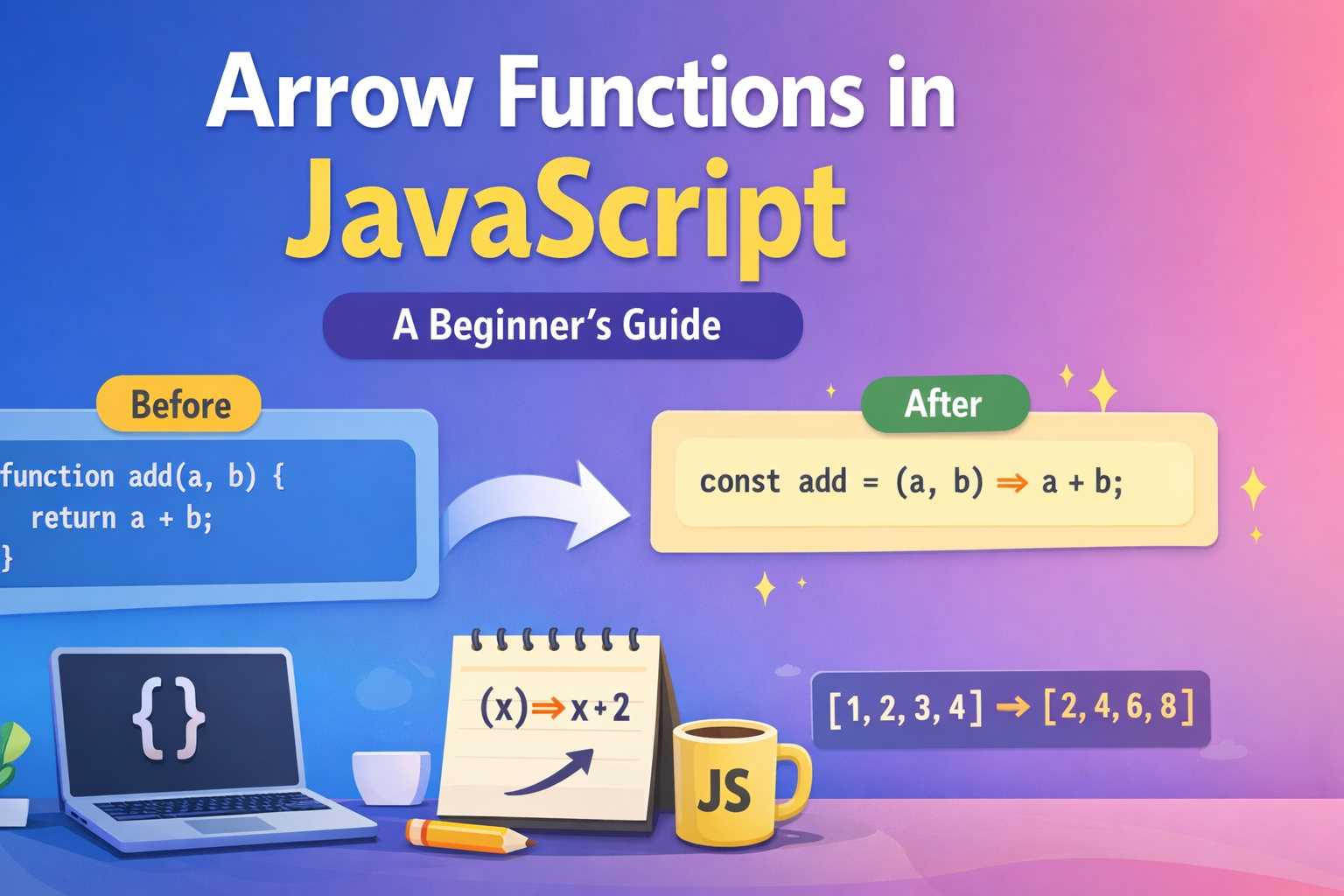
Arrow functions are a shorter and cleaner way to write functions in modern JavaScript. They were introduced in ECMAScript 2015 to reduce repetitive code and improve readability.
Before arrow functions, writing even small functions required more boilerplate.
1. Why Arrow Functions Exist (Reducing Boilerplate)
Normal Function
function add(a, b) {
  return a + b;
}
Arrow Function
const add = (a, b) => {
  return a + b;
};
Even Shorter
const add = (a, b) => a + b;
Same functionality. Less code. Easier to read.
That’s the main reason arrow functions became widely used.
2. Basic Arrow Function Syntax
Arrow functions follow this structure:
(parameters) => {
  // function body
}
Example:
const greet = () => {
  console.log("Hello!");
};
Call it like a normal function:
greet();
Output
Hello!
3. Arrow Function with One Parameter
If a function has only one parameter, parentheses are optional.
Normal Function
function square(num) {
  return num * num;
}
Arrow Function
const square = num => {
  return num * num;
};
Even shorter:
const square = num => num * num;
4. Arrow Function with Multiple Parameters
When there are two or more parameters, parentheses are required.
Example:
const multiply = (a, b) => {
  return a * b;
};
Short version:
const multiply = (a, b) => a * b;
5. Implicit Return vs Explicit Return
This is where arrow functions become very powerful.
Explicit Return
When we use { }, we must write return.
const add = (a, b) => {
  return a + b;
};
This is called explicit return.
Implicit Return
If we remove { }, JavaScript automatically returns the value.
const add = (a, b) => a + b;
JavaScript automatically returns a + b.
Example:
const double = num => num * 2;

console.log(double(5));
Output
10
6. Normal Function → Arrow Function Transformation
Step 1 — Normal Function
function greet(name) {
  return "Hello " + name;
}
Step 2 — Convert to Arrow Function
const greet = (name) => {
  return "Hello " + name;
};
Step 3 — Simplify
const greet = name => "Hello " + name;
Cleaner and modern.
7. Basic Difference: Arrow Function vs Normal Function
| Feature | Normal Function | Arrow Function |
|---|---|---|
| Syntax | Longer | Shorter |
| return | Must write return | Can be implicit |
this behavior |
Dynamic | Lexical |
| Usage | Traditional JS | Modern JS |
For beginners, the most important difference is syntax simplicity.
8. Using Arrow Function with map()
Arrow functions are commonly used with array methods.
Example array:
const numbers = [1, 2, 3, 4];
Using map():
const squares = numbers.map(num => num * num);

console.log(squares);
Output
[1, 4, 9, 16]
The arrow function makes this very clean.
Visual Diagram — Normal Function → Arrow Function
Normal Function

function add(a, b) {
  return a + b;
}

        ↓

Arrow Function

const add = (a, b) => {
  return a + b;
}

        ↓

Short Arrow Function

const add = (a, b) => a + b
Arrow Function Syntax Breakdown
const functionName = (parameters) => expression
      │               │            │
      │               │            └── returned value
      │               └── inputs
      └── variable holding function
Assignment
1. Write a Normal Function
Write a function to calculate the square of a number.
Example expected output:
square(4) → 16
2. Rewrite Using Arrow Function
Convert the above function into an arrow function.
3. Even or Odd Checker
Create an arrow function:
isEven(4) → "Even"
isEven(7) → "Odd"
Hint
num % 2
4. Use Arrow Function with map()
Given:
const numbers = [2, 4, 6, 8];
Create a new array where every number is doubled.
Expected result:
[4, 8, 12, 16]
Key Takeaway
Arrow functions exist to make JavaScript shorter, cleaner, and easier to read. They are now standard in modern JavaScript development across frameworks like React, Node.js, and Vue.js.


