JavaScript Variables for Beginners: var, let, const, Data Types, and Scope
Software developer writing to think clearly about code, systems, and real-world tradeoffs.
When you start learning JavaScript, one of the first concepts you must understand is variables. Every program stores and processes data, and variables are the mechanism that allows JavaScript to do that.
In this guide, you'll learn:
What variables are
Why variables are necessary in programming
How to declare variables using
var,let, andconstJavaScript primitive data types
The basic differences between
var,let, andconstWhat scope means in a beginner-friendly way
Understanding Variables (A Simple Analogy)
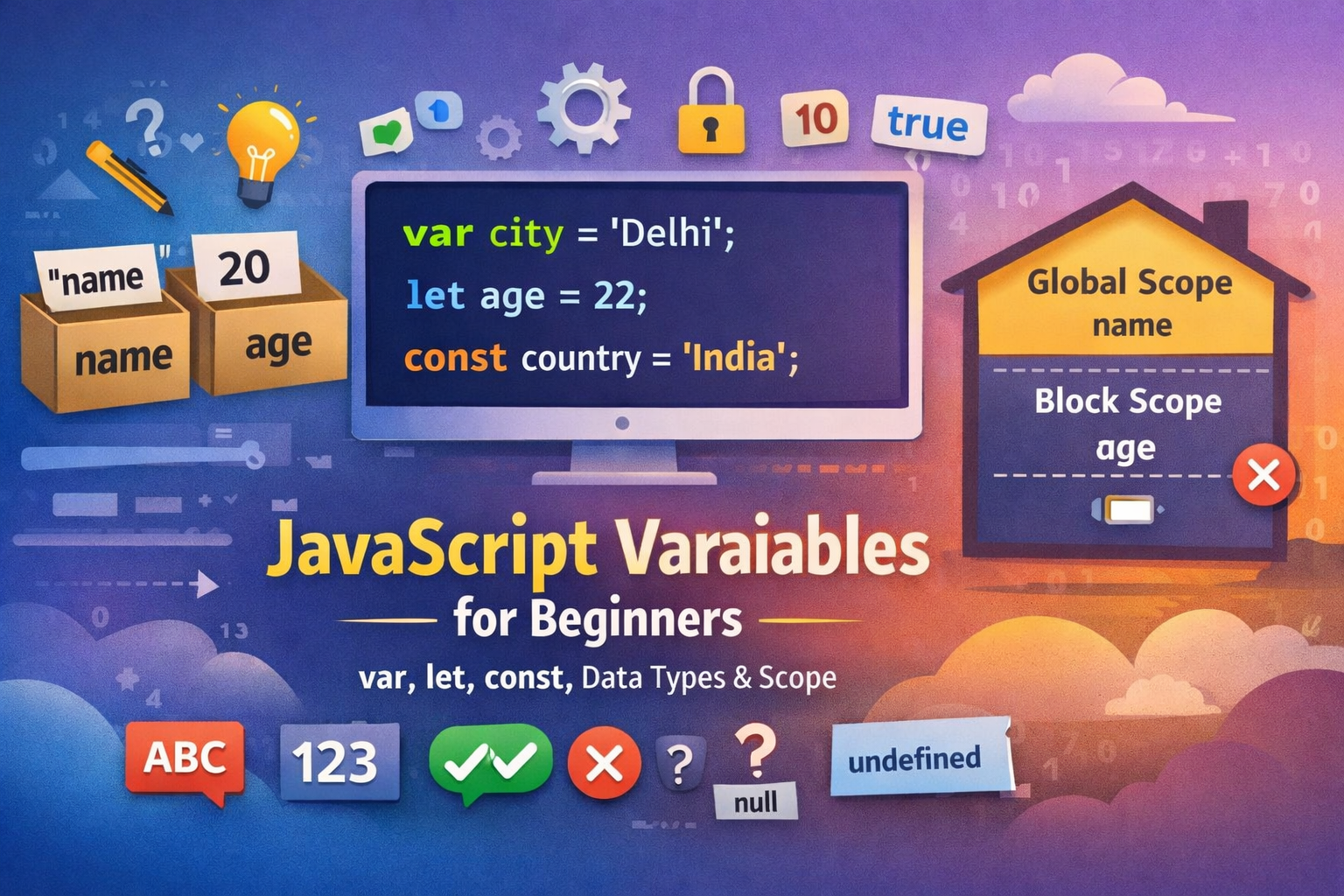
Imagine a box with a label on it.
The label represents the variable name.
The content inside the box represents the value stored in the variable.
For example:
| Box Label | Stored Value |
|---|---|
| typeOfChai | "Masale Chai" |
| price | 20 |
In JavaScript, variables store information that your program can use later.
Example:
let typeOfChai= "Masale Chai";
let price = 20;
Here:
typeOfChai stores "Masale Chai"
pricestores20
Without variables, programs would not be able to remember or manipulate data.
Why Variables Are Needed
Programs constantly work with information such as:
A user's name
A login status
Scores in a game
Prices in an online store
Variables allow developers to:
Store data
Update data
Reuse data throughout a program
Example:
let score = 10;

score = score + 5;

console.log(score);
Output:
15
The variable stored the value and updated it later.
Declaring Variables in JavaScript
JavaScript provides three keywords to declare variables:
varletconst
Example:
var city = "Delhi";
let age = 22;
const country = "India";
Each keyword behaves slightly differently, especially when it comes to reassignment and scope.
JavaScript Primitive Data Types
Primitive data types are the most basic types of values that variables can hold.
String
A string represents text.
let name = "Sudhanshu";
Examples:
"Hello""JavaScript""Delhi"
Number
Numbers represent numeric values.
let age = 25;
let price = 199.99;
Examples include:
101003.14
Boolean
Boolean values represent true or false conditions.
let isStudent = true;
Other examples:
let isLoggedIn = false;
Booleans are commonly used in decision-making logic.
Null
null represents an intentional empty value.
let result = null;
It means the variable exists but currently holds no meaningful value.
Undefined
undefined means a variable has been declared but no value has been assigned yet.
let score;

console.log(score);
Output:
undefined
Difference Between var, let, and const
| Feature | var | let | const |
|---|---|---|---|
| Can redeclare | Yes | No | No |
| Can change value | Yes | Yes | No |
| Scope | Function | Block | Block |
| Modern usage | Rare | Common | Very common |
Example using var:
var age = 20;
var age = 25;
This works, but it can cause problems in larger programs.
Example using let:
let age = 20;
age = 25;
Updating the value is allowed, but redeclaring the variable is not.
Example using const:
const pi = 3.14;
Trying to change the value will produce an error:
pi = 3.14159;
This restriction makes const useful for values that should never change.
Understanding Scope (Beginner Friendly)
Scope describes where a variable can be accessed in your code.
A simple way to think about scope is to imagine rooms in a house.
Some variables are accessible everywhere.
Some variables only exist inside a specific block of code.
Example:
let name = "Sudhanshu";

if (true) {
  let age = 22;
}

console.log(name);
console.log(age);
The program will print name correctly, but accessing age outside the block will cause an error.
This happens because age was declared inside the block {}, so it only exists within that block.
Demonstrating Variable Updates
Using let, values can be changed.
let score = 10;

score = 20;

console.log(score);
Output:
20
However, with const, reassignment is not allowed.
const score = 10;

score = 20;
This will produce an error because constants cannot be reassigned.
Practice Assignment
Try writing a small program that stores personal information.
Step 1: Declare variables
let name = "Sudhanshu";
let age = 22;
let isStudent = true;
Step 2: Print them
console.log(name);
console.log(age);
console.log(isStudent);
Expected output:
Sudhanshu
22
true
Step 3: Experiment with changes
Try modifying the let variable:
let age = 22;
age = 23;

console.log(age);
Then try modifying a const variable:
const country = "India";
country = "USA";
Observe the error and understand how constants behave differently.
Conclusion
Variables are one of the most fundamental concepts in JavaScript. They allow programs to store, update, and reuse data efficiently. Understanding how to declare variables, work with primitive data types, and manage scope forms the foundation for writing more complex programs.
As you continue learning JavaScript, the next important concepts to explore are operators, conditional statements, and functions, which allow programs to perform logic and build real applications.
operators conditional statements blog :- https://javascript-blog-1.hashnode.dev/understanding-operators-in-javascript-a-beginner-friendly-guide


